Site sprite 
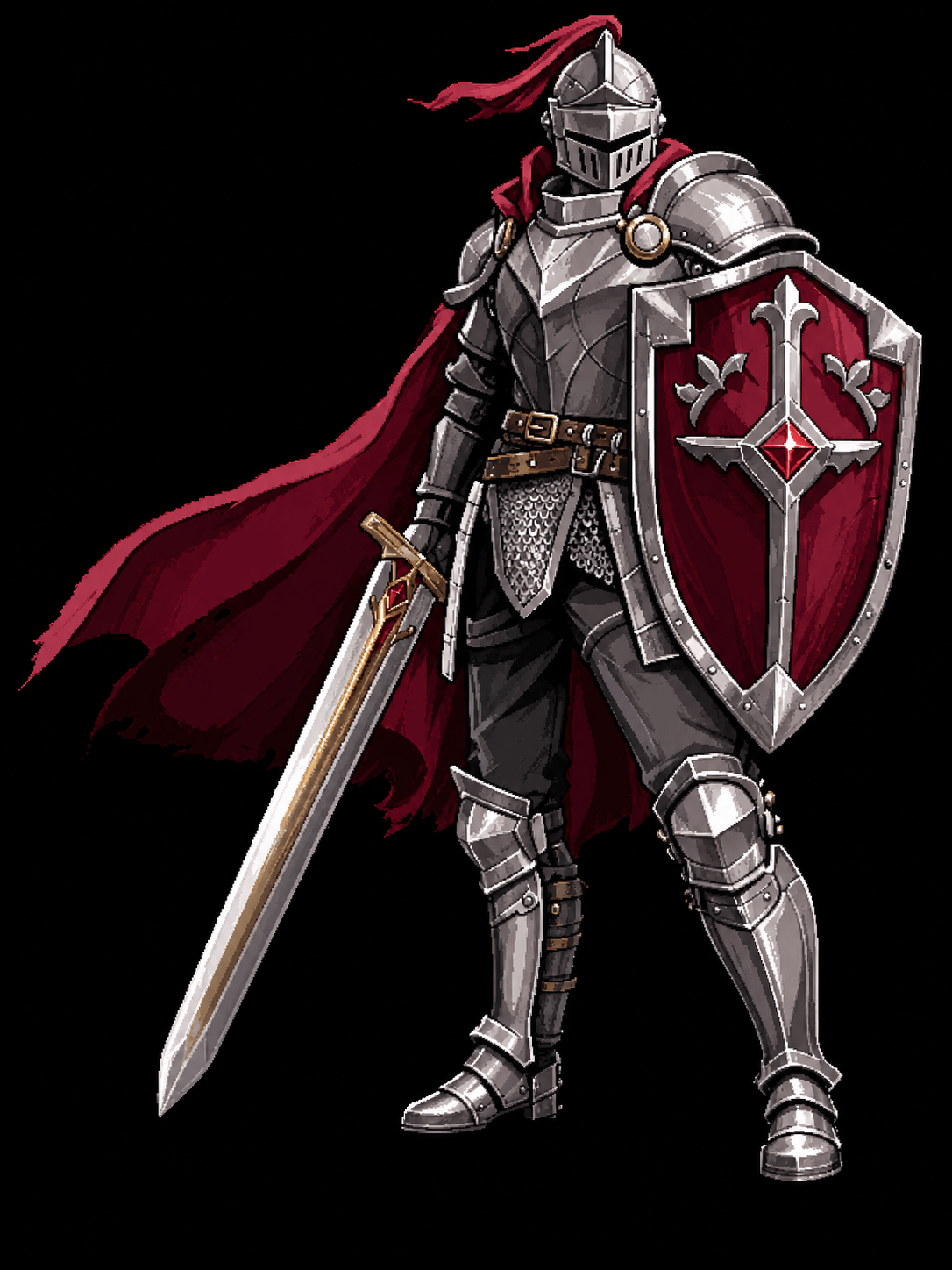
Taskbar Hero Knight art
Knight
Front-line tank. Normal preview is 574 KB; HD PNG is 1.4 MB.
- Format
- PNG
- Size
- 1086 x 1448
- Source
- Site-created fan art
HD character art
Download site-created Taskbar Hero HD character art for Knight, Ranger, Sorcerer, Priest, Hunter, and Slayer. Each hero card starts with a small site sprite and a normal PNG preview, then loads the HD PNG only when you request the larger character art file.
Use this page when you need Taskbar Hero character images for guide notes, wallpaper-style previews, build thumbnails, or fan reference. The normal preview keeps the page fast. The HD PNG is loaded on demand, opens in a larger preview modal, and then exposes a direct download link for the selected hero.
The six downloadable heroes match the build guide roster: Knight, Ranger, Sorcerer, Priest, Hunter, and Slayer. The page is intentionally small but complete: each character has a local site sprite, a normal PNG preview, a prepared HD preview, a file-size note, a resolution note, and a link back to the matching build section.
These images give this site an original visual asset layer instead of relying only on cropped screenshots or copied database images. For search visitors, the main intent is simple: find a clean Taskbar Hero character PNG, inspect it at a useful size, and download the HD version only if the selected hero is the one they need.
Gallery
Choose a hero, inspect the normal preview, then prepare the HD PNG when you want the larger character art file. The HD preview opens in a modal so the difference is visible before downloading.
Front-line tank. Normal preview is 574 KB; HD PNG is 1.4 MB.
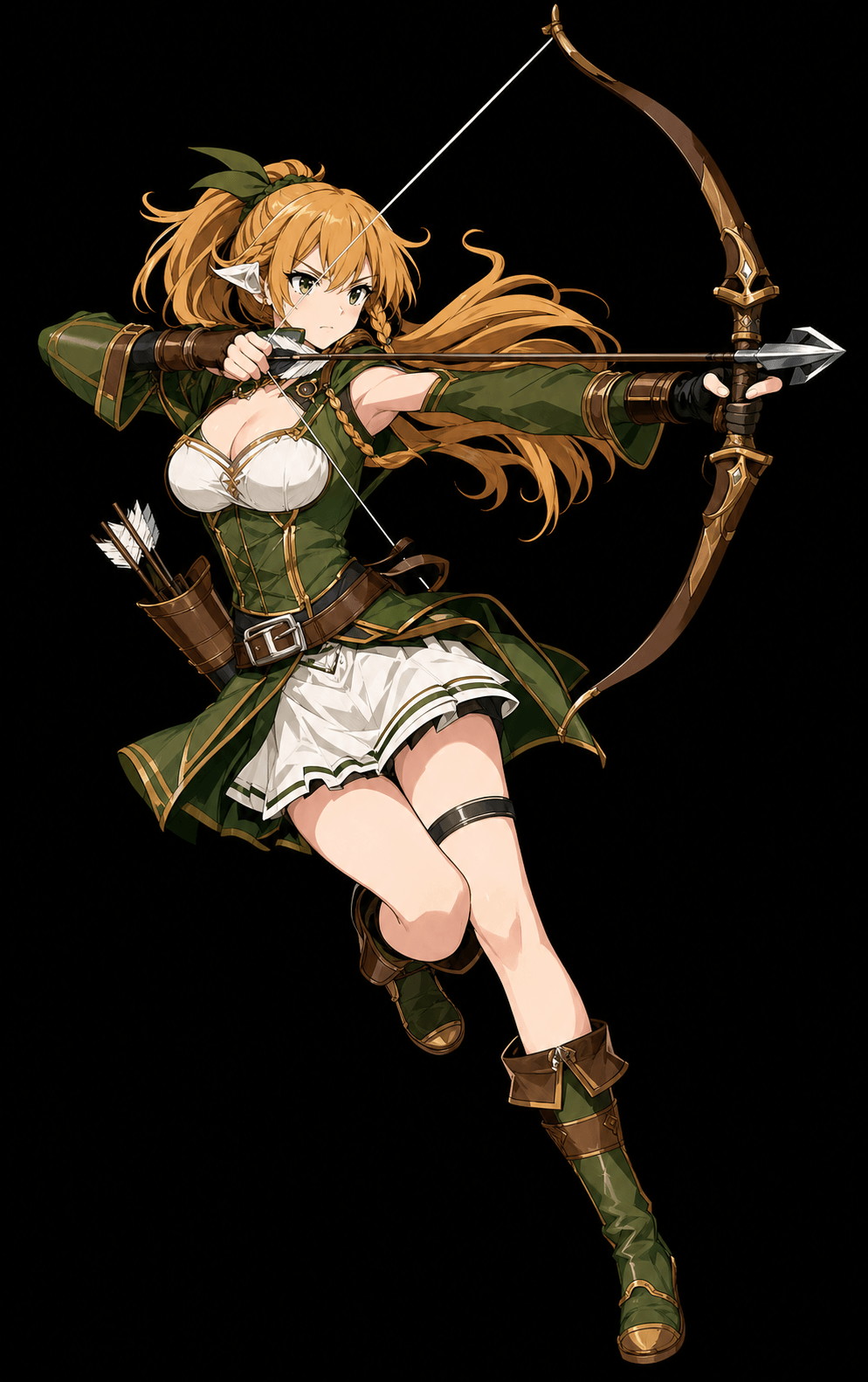
Reliable ranged damage. Normal preview is 396 KB; HD PNG is 1.2 MB.
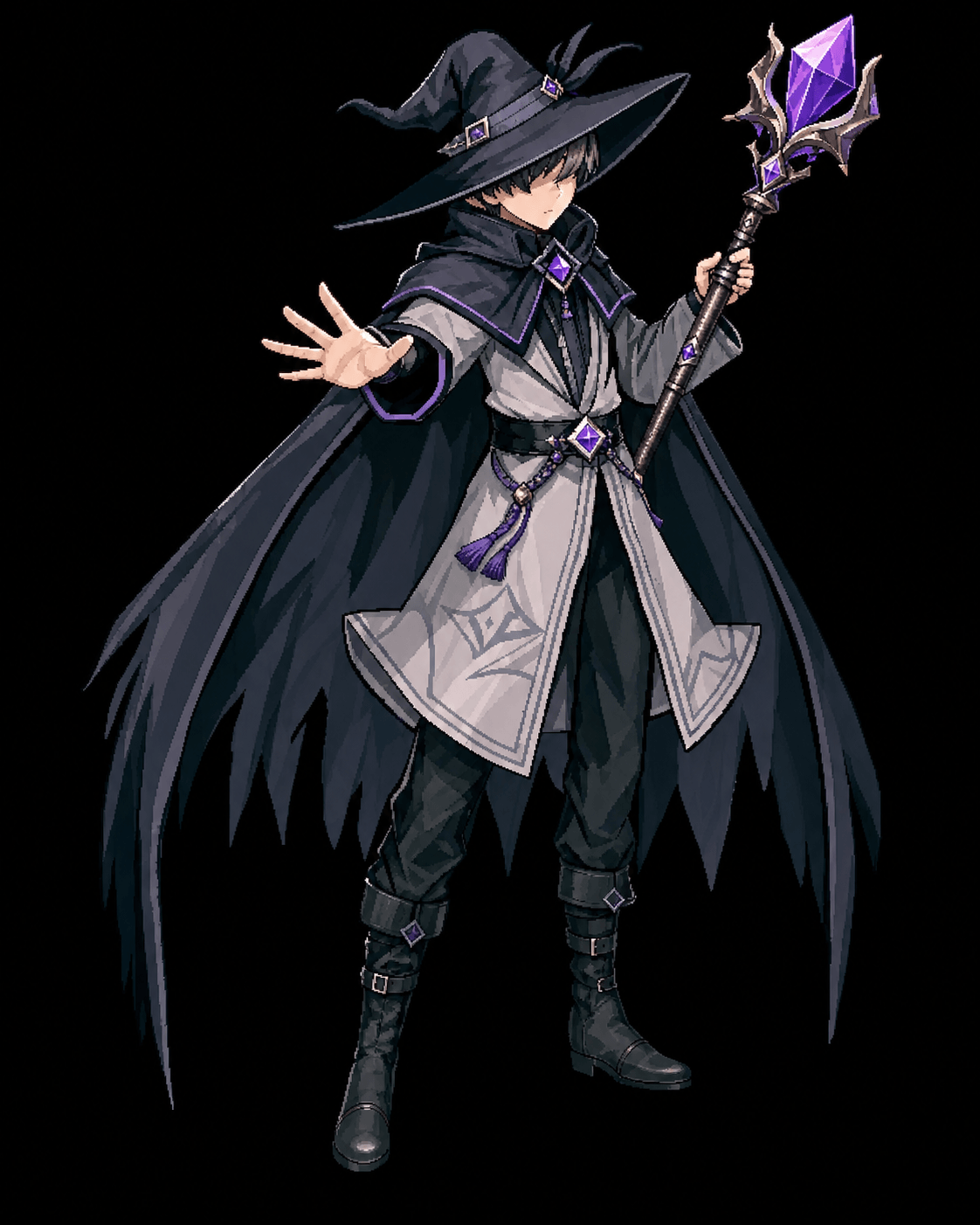
Protected AoE damage. Normal preview is 514 KB; HD PNG is 1.2 MB.
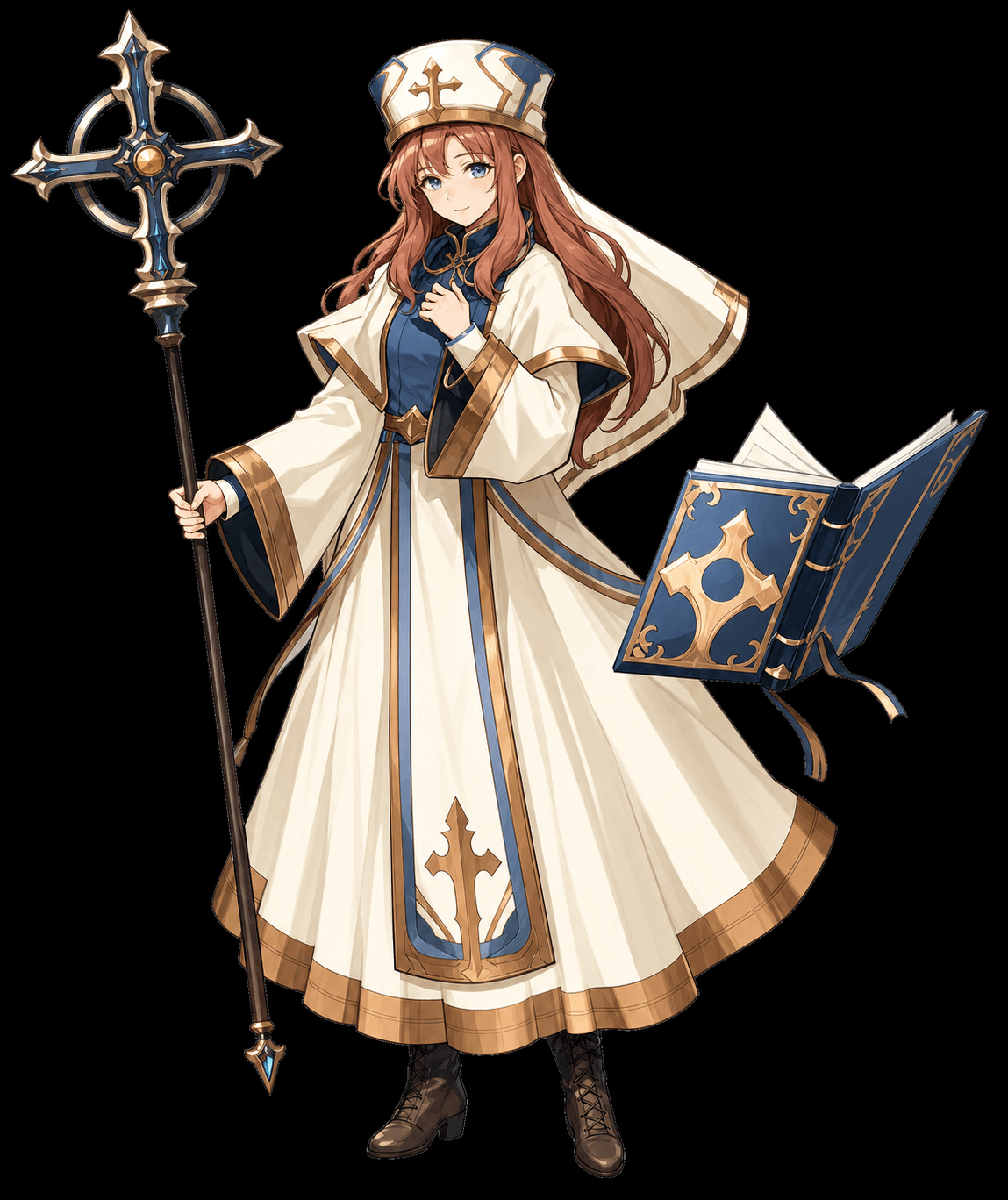
Sustain support. Normal preview is 402 KB; HD PNG is 1.4 MB.
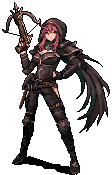
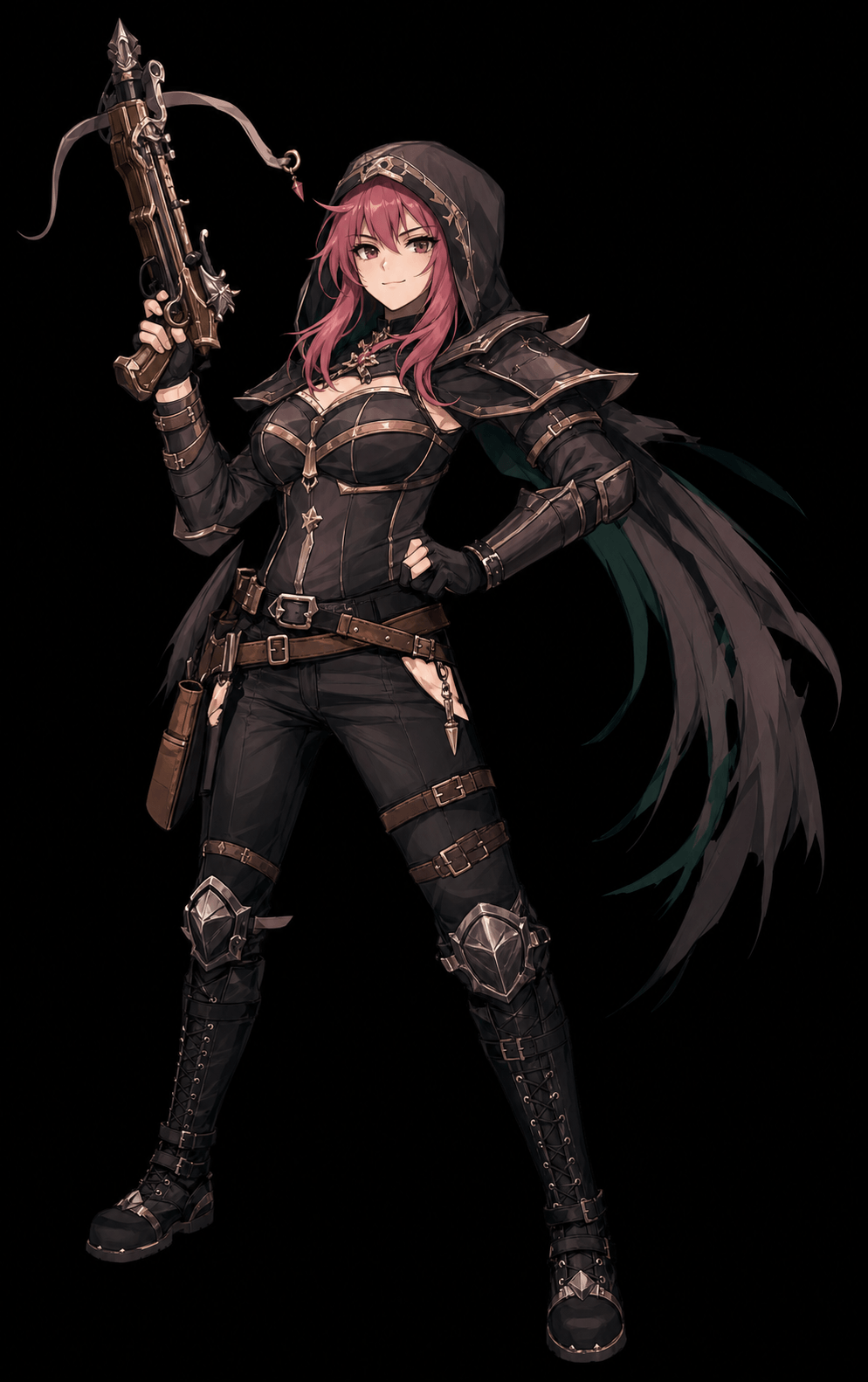
Aggressive farm damage. Normal preview is 530 KB; HD PNG is 1.2 MB.
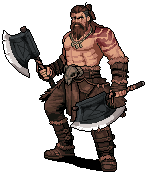
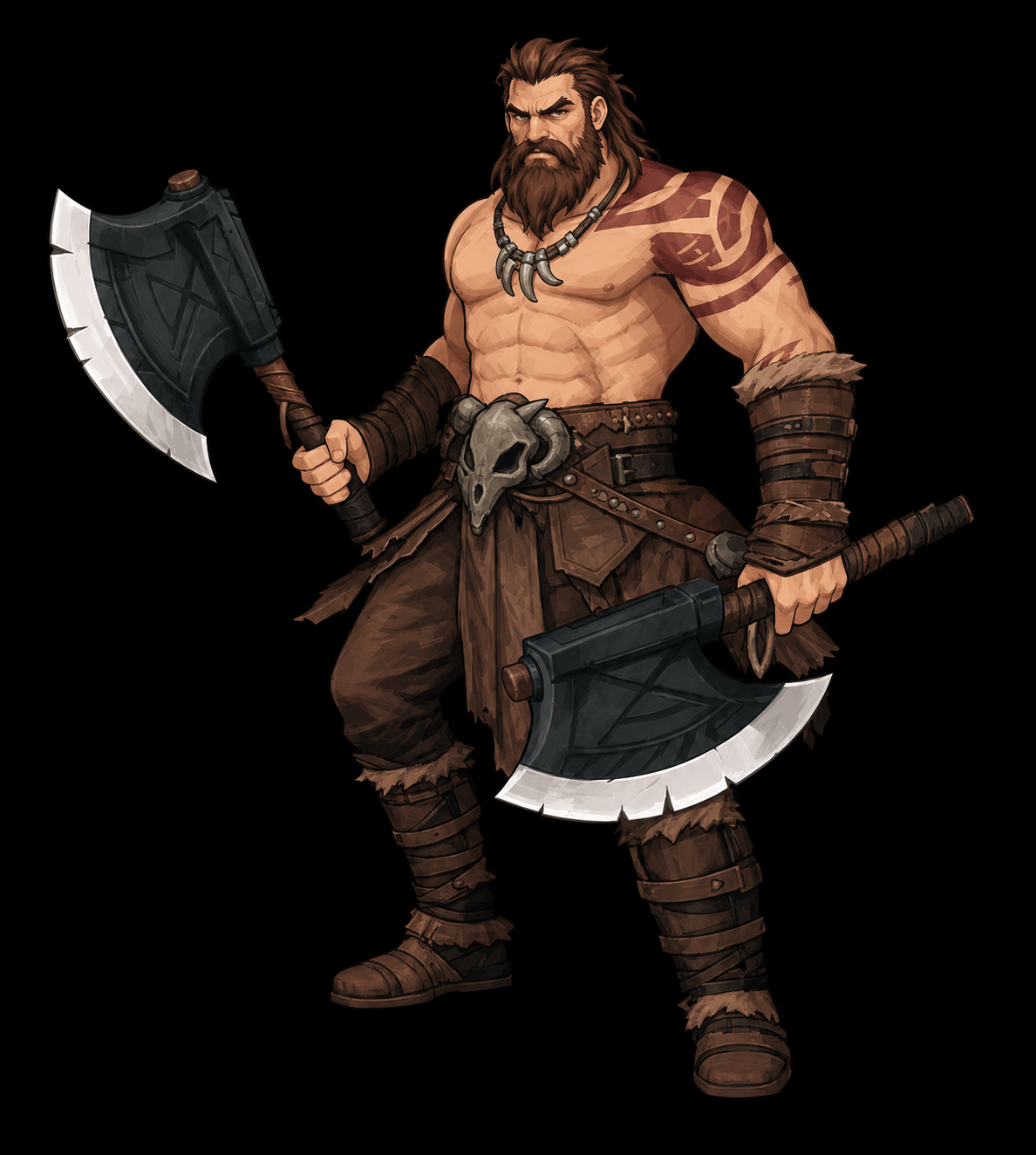
Bruiser damage test. Normal preview is 450 KB; HD PNG is 1.2 MB.
If you only need a quick reference, open the matching build first. If you need a clean PNG for visual work, use the HD loader below each card and download the larger file after checking the modal preview.
Use Knight art for starter build guides, tank formation graphics, and front-line role references.
taskbar hero knight image, taskbar hero knight wallpaper, knight character artUse Ranger art for early build pages, ranged damage visuals, and safe starter team references.
taskbar hero ranger image, taskbar hero ranger png, ranger character artUse Sorcerer art for protected AoE build notes, magic damage visuals, and class comparison graphics.
taskbar hero sorcerer image, taskbar hero sorcerer png, sorcerer character artUse Priest art for sustain build notes, support role visuals, and party survival explanations.
taskbar hero priest image, taskbar hero priest png, priest character artUse Hunter art when you want a sharper DPS or farming visual for build notes, thumbnails, and character comparison graphics.
taskbar hero hunter image, taskbar hero hunter png, hunter character artUse Slayer art for melee damage tests, later-game build comparisons, and bruiser role graphics.
taskbar hero slayer image, taskbar hero slayer png, slayer character artThese images are intended for player reference, guide visuals, wallpapers, and fan-use downloads. They are not official Taskbar Hero, Tesseract Studio, Nugem Studio, Valve, or Steam assets. If a browser opens the PNG instead of saving it, use the browser save action from the opened image tab.
No. These are site-created fan art downloads for guide reference, wallpapers, thumbnails, and character comparison use. They are not official Taskbar Hero, Steam, Valve, Tesseract Studio, or Nugem Studio assets.
The normal preview is the lighter image shown on the page first. The HD PNG is loaded only after you click Prepare HD preview, then the page opens a larger modal preview with the download link.
Yes. Each hero has its own card, normal preview, HD preview loader, and HD PNG download link.
The HD files are served from Cloudflare R2. Some browsers open cross-origin PNG files in a new tab instead of forcing a download. If that happens, use the browser save action from the opened image.